Let’s talk about something super important… your LinkedIn profile! Professional photos for LinkedIn can be a game-changer. Yes, professional photos for LinkedIn! They’re not just about looking good; they’re about making a lasting impression.
Without knowing how to stand out with professional photos for LinkedIn, you won’t be able to boost your personal brand, attract more connections, or make a lasting impression. Instead, you will continue to blend into the sea of profiles, miss out on networking opportunities, and struggle to convey your professional image effectively.
You’re in the right place! I created this proven, 5-step process to help you stand out with professional photos for LinkedIn based on my research and experience over the past 10 years. We’ll cover everything from choosing the right photographer to leveraging your new headshot across your professional networks.
I’ll also give you some things to look out for along the way, mistakes I made before I worked out this system, and ones I still see other professionals making.
Just follow the steps, and by the time you finish Step 5, you’ll feel like a pro and enjoy a standout LinkedIn profile and enhanced personal branding.
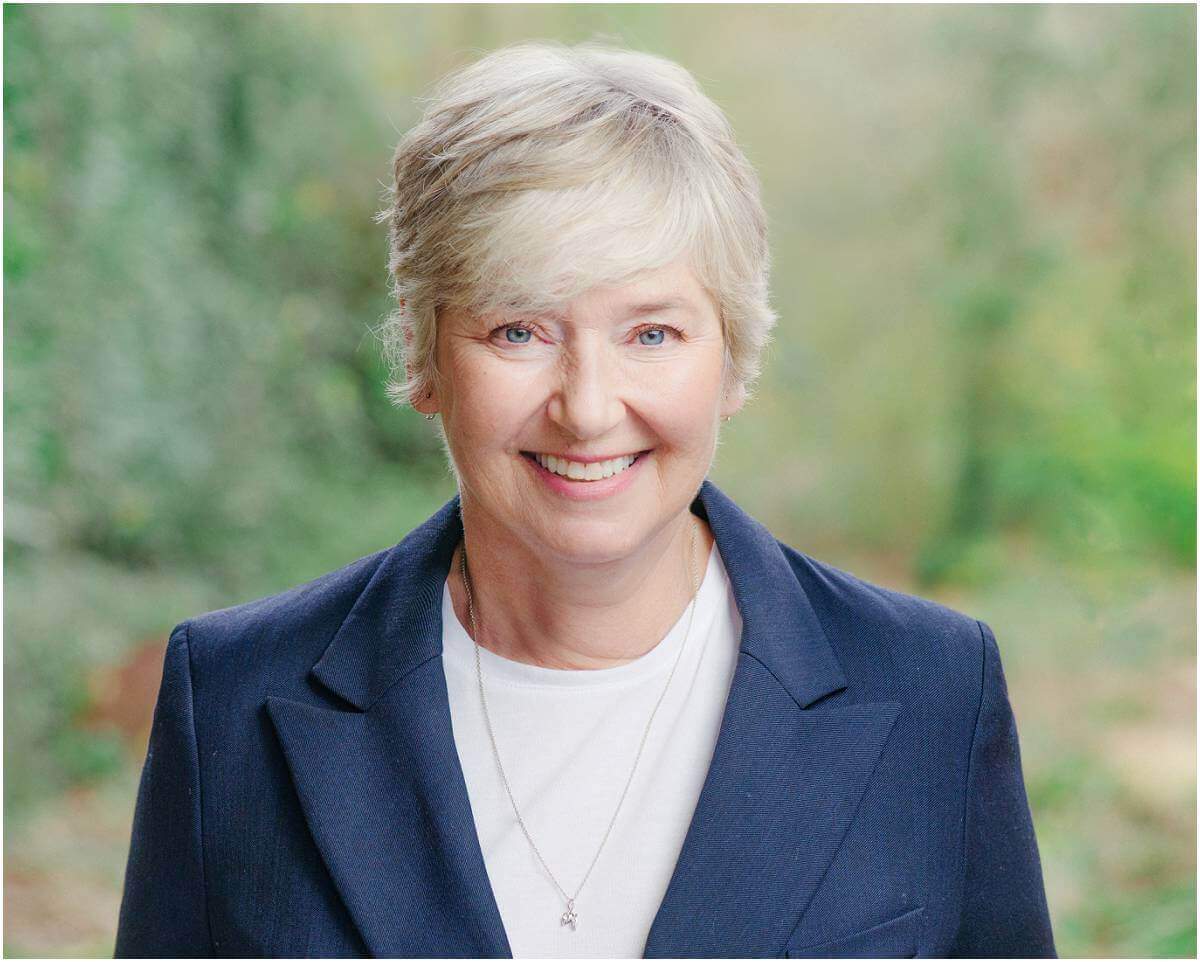
How Professional Photos for LinkedIn Enhance Your Personal Brand
Imagine scrolling through LinkedIn and seeing a profile picture that stands out… That’s the power of professional photos for LinkedIn. Ready to dive in? Let’s get you those standout photos!
How Professional Photos for LinkedIn Enhance Your Personal Brand
Imagine scrolling through LinkedIn and seeing a profile picture that stands out… That’s the power of professional photos for LinkedIn. But without a professional headshot, your LinkedIn profile may not make the strong first impression you need.
On the Isle of Wight, it’s especially important to have a recognizable face on LinkedIn because people connect with people, and purchasing behaviour is different here. A lack of a professional photo can lead to missed opportunities and slower connections.
Think about how much time it takes to travel to the mainland for a headshot session. This not only takes you away from your family but also adds unnecessary stress. The Isle of Wight is a small community where we all support each other, and using a local photographer helps strengthen these connections.
Without a standout LinkedIn photo, you may find it harder to establish yourself in our tight-knit community, and people may not recognize you easily online. This can slow down your professional growth and networking efforts.

By choosing a professional photographer on the Isle of Wight, you save time and maintain your work-life balance. You also support local businesses and strengthen our community. A professional LinkedIn headshot ensures that people can connect quickly with you online, enhancing your personal brand and making you easily recognizable.
With a professional photo, your LinkedIn profile will stand out, helping you make stronger connections and grow your network more effectively.
Why Choose a Local Photographer? Using a local photographer means no long trips to the mainland, allowing you to spend more time with your family and focus on your work. Plus, supporting local businesses helps our community thrive. Check out my blog post on Choosing Isle of Wight Photographers (hint: it strengthens local connections) for more insights.
“A picture is worth a thousand words, but a professional LinkedIn photo can be worth a thousand connections.” – Mandy
Pro Tip: Next time you’re browsing professional photos on LinkedIn, notice the profiles that catch your eye. More often than not, it’s the ones with professional headshots. Why not give your profile the same advantage?
Step #1: Choose the Right Photographer
Before you can prepare for your headshot session, you’ll want to take your time with this critical first step. So, the first thing you need to do is find the right photographer to produce professional photos for LinkedIn. Here’s how:
- Research Local Photographers: Start by looking for photographers on the Isle of Wight who specialize in professional photos for LinkedIn. This saves you time and keeps you close to home, away from the hassle of mainland travel. I’ve written a more detailed post here, ‘Easy Steps to Hiring a Professional Photographer‘.
- Check Portfolios: Look at their previous work to ensure their style matches what you envision for your LinkedIn profile.
- Read Reviews and Testimonials: See what other clients have said about their experience. This can give you insight into their professionalism and ability to make clients feel at ease.
- Ask Questions: Don’t hesitate to reach out and ask about their process, experience, and how they can highlight your professional qualities.
For example: One of the benefits of choosing a local Isle of Wight photographer is the personalised touch. They understand the local community and can create a more relatable and approachable image for your LinkedIn profile. Plus, supporting local businesses strengthens our community.
Click here to see the full range of professional portraits I create for professionals and creatives on the Isle of Wight.
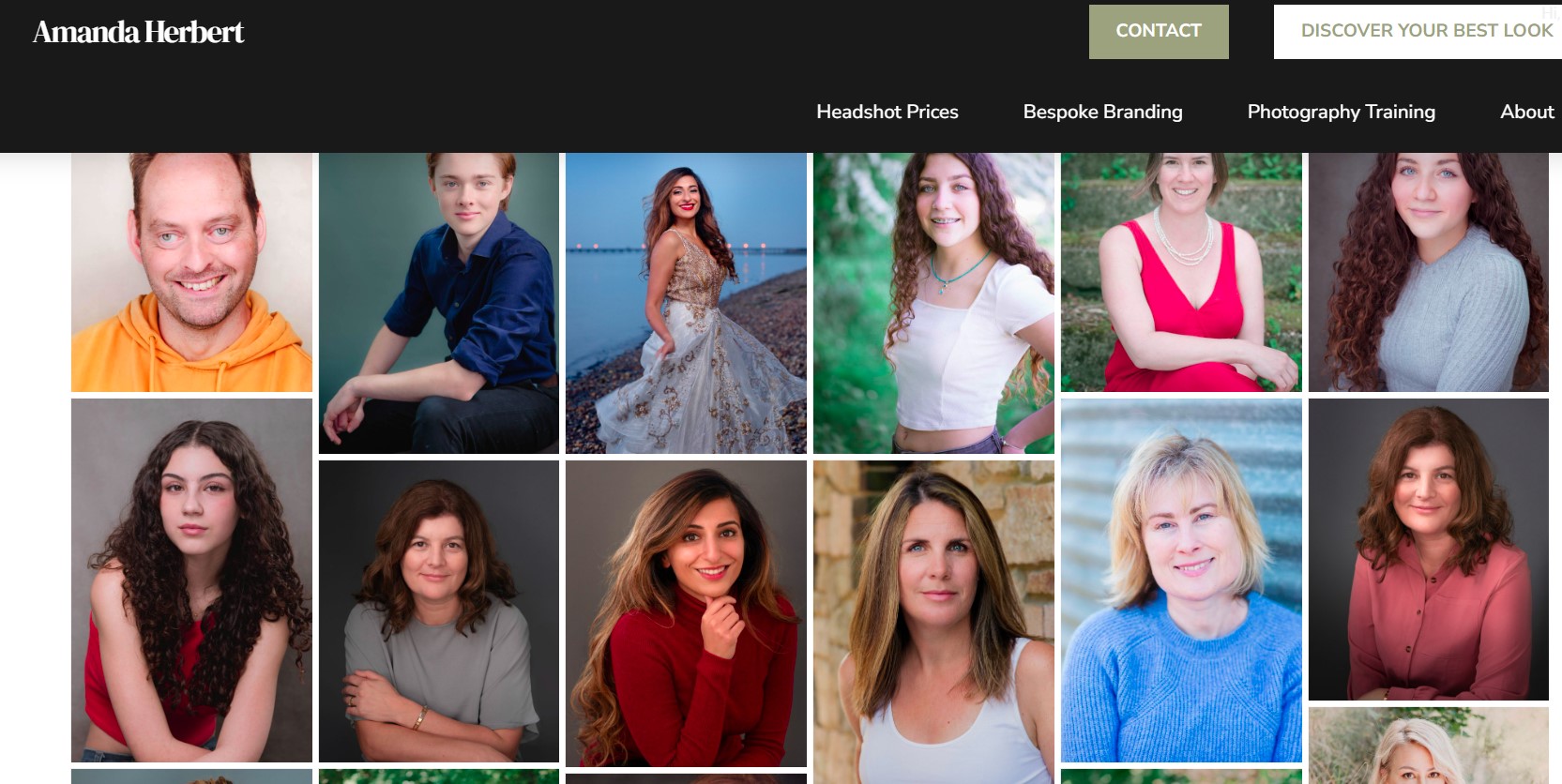
What to look out for: Many people skip this foundational step and then wonder why they’re not achieving the desired results. Don’t let that be you! This is a crucial foundational step that will set you up for success later on. And each step is a building block for the next, so don’t even try to jump ahead! 🙂
All done? Great job! Let’s move on to Step 2.
Step #2: Prepare for Your Headshot Session
Master the 3 C’s: Colours, Coordination, Character
At this point, you’re probably thinking that this is too time-consuming or that you’re worried about the quality and how you’ll appear in the professional photos for LinkedIn. You may even be wondering, “What do I need to pack?”
If you hang in there, it will all make sense, promise. What we’re doing is pulling this all together into a seamless preparation for your LinkedIn headshot session.
Here’s how to prepare for your professional photos for LinkedIn:
- Look at the Photographer’s Website: Check out their portfolio to understand their style and how they capture professional photos for LinkedIn. This will help you align your expectations and ensure your LinkedIn headshot reflects your personal brand.
- Schedule a Convenient Date: Choose a date that allows you time to prepare and feel relaxed. Avoid squeezing it into a hectic schedule. A well-planned LinkedIn headshot session will yield the best results.
- Communicate Your Needs: Email the photographer explaining why you need new professional photos for LinkedIn and what you aim to achieve. Clear communication sets the stage for success and ensures your LinkedIn headshot session is tailored to your needs.
- Trust the Photographer’s Guidance: Once you’ve communicated your goals, rely on their expertise to guide you through the process. Trusting your photographer will help you feel more at ease during your LinkedIn headshot session.
For example, if you’re unsure about what to wear, opt for professional attire in solid colours that reflect your brand. Avoid busy patterns that can distract from your expression and diminish the impact of your professional photos for LinkedIn.

The reason this step is important is that it will help you boost your credibility and convey your experience visually. A well-prepared LinkedIn headshot session results in photos that showcase your professional essence and make a lasting impression on LinkedIn.
Master the 3 C’s: Colours, Coordination, Character
- Colours: Wear colours that complement your skin tone and are not too distracting. This will enhance the overall impact of your professional photos for LinkedIn.
- Coordinate: Simple, elegant accessories can enhance your look without stealing the spotlight. Coordination is key to a polished LinkedIn headshot.
- Character: Be yourself. The best professional photos for LinkedIn are the ones where your personality shines through.
What to look out for: When I first started, I didn’t communicate clearly with my photographer, which led to photos that didn’t capture my professional essence. Avoid this by clearly explaining your goals for your LinkedIn headshot.
Common mistakes to avoid:
- Skipping Communication: Clearly explain your goals and expectations for your LinkedIn headshot session.
- Choosing Distracting Outfits: Stick to solid colours and professional attire that suit your brand for cohesive professional photos for LinkedIn.
- Feeling Unprepared: Practice your poses and expressions in front of a mirror to ensure you’re ready for your LinkedIn headshot session.
Just keep focusing on what works best for you, and you’ll be on the right track to getting standout professional photos for LinkedIn.
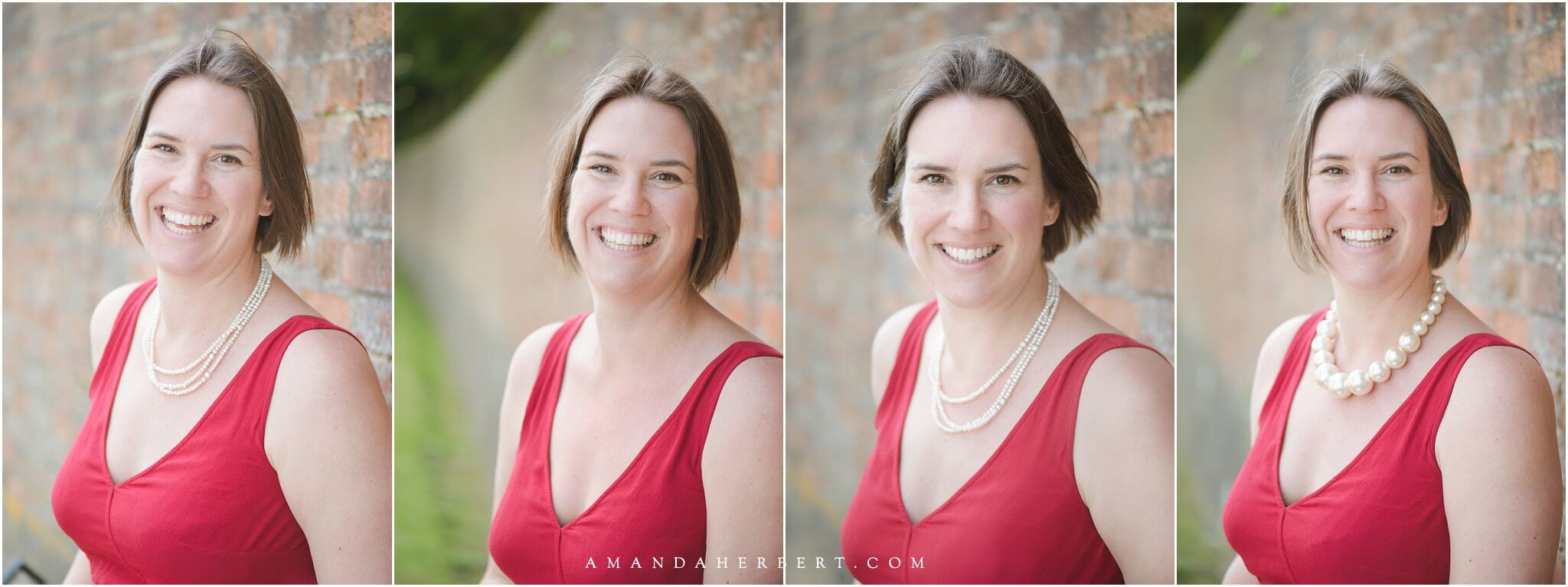
Step #3: Choose the Best Background for Your LinkedIn Headshot
Are you starting to get excited? I hope so. We’re just about there.
You may be feeling a bit overwhelmed about selecting the perfect background or location for your professional photos for LinkedIn. That’s perfectly normal. Any time you’re trying something new, it takes a minute to process it. Just be patient and stay with it.
Next, let’s talk about choosing the right background for your LinkedIn headshot. The background you select can significantly impact how your professional image is perceived.
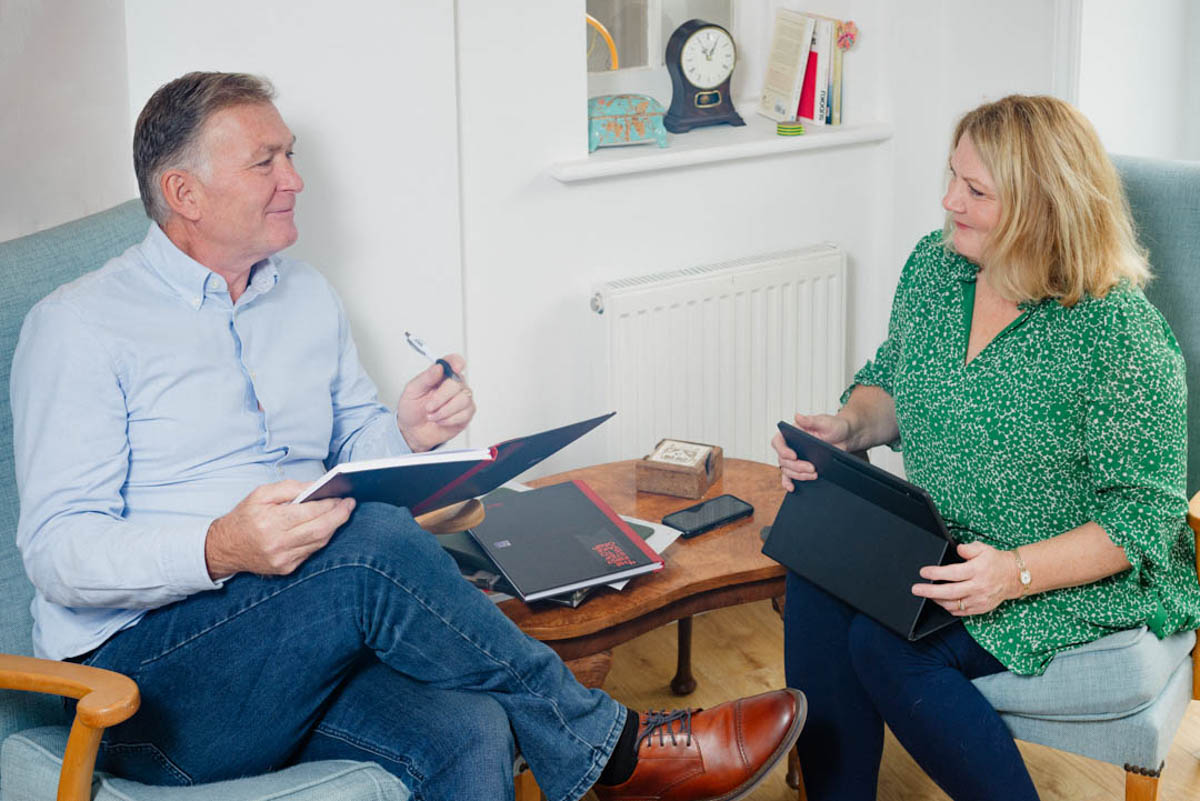
Here’s how to choose the best background for your professional photos for LinkedIn:
- Neutral Backgrounds:
- When to Use: Ideal for corporate roles, CEOs, and professionals who want to portray a serious and authoritative image.
- Why: Neutral backgrounds such as grey, white, or beige keep the focus on you, ensuring your professional presence stands out without any distractions.
- Outdoor Locations:
- When to Use: Perfect for entrepreneurs, creatives, and professionals in lifestyle industries who want to convey approachability and dynamism.
- Why: Natural settings with greenery or urban landscapes can add vibrancy and a sense of authenticity to your LinkedIn headshot, making you appear more relatable.
- Office Settings:
- When to Use: Suitable for showcasing a typical work environment, ideal for consultants, coaches, and corporate employees.
- Why: An office background can highlight your professional context and give a glimpse into your work life, reinforcing your professional narrative.
- At Your Home:
- When to Use: Great for branding purposes, especially for those in creative fields or marketing roles.
- Why: A background in your house that incorporates elements of your brand colours or logos can create a cohesive visual identity across your LinkedIn profile and other professional platforms. See a full gallery of LinkedIn Photos in ‘Home LinkedIn Headshot Tips’.
For example: One of my clients, an author and personal assistant, wanted to showcase her friendly, outgoing, and practical disposition. We chose a bright, welcoming office space that reflected her personality perfectly.
Another client, a CEO of a wellness company, needed to portray gravitas and authority, so we opted for a neutral grey background that was both flattering and versatile.
True story: I once had a client arrive wearing her mum’s blazer for a corporate look. It didn’t suit her at all, so we switched things up. She sat cross-legged and barefoot on a high stool, and the results perfectly showcased her vibrant personality.
While you’re considering your options, make a note of the settings that resonate with your brand and the story you want to tell. The right background will help convey your professional essence effectively.

The reason this step is important is that it will help you make a lasting impression on LinkedIn. The right background enhances your professional photos for LinkedIn, making them more impactful and memorable.
Make any adjustments you need to make before you move on.
If you want, you can download my Free Guide to Top 10 Headshot Tips. I created it to help you get ready for your LinkedIn headshot without the stress and overwhelm.
Discover the power of professional portraits with our comprehensive eBook
Step #4: Pose and Expression Tips for LinkedIn Photography
We’re just about done. There are just two more steps.
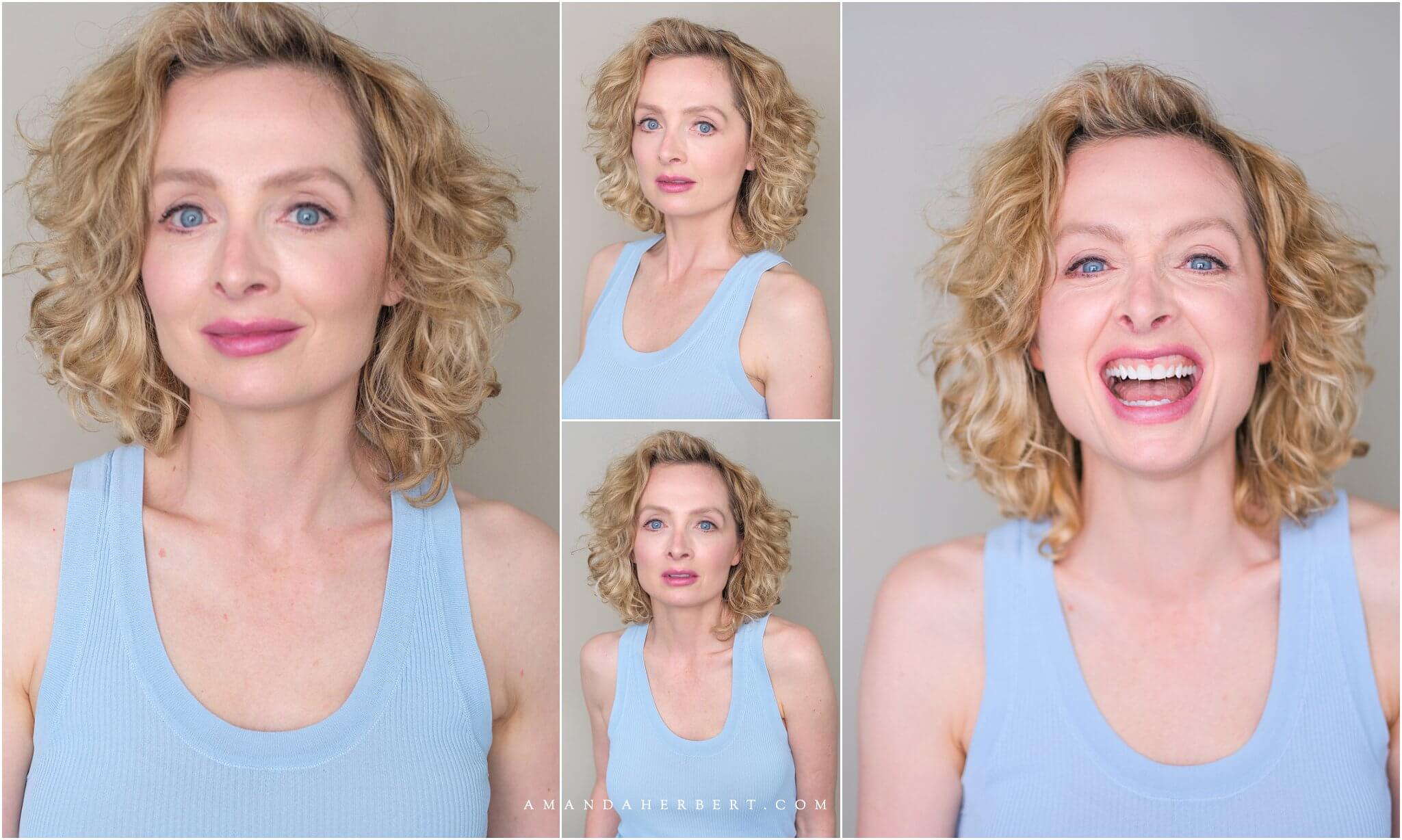
The most important tip is to relax and be yourself. Your professional photos for LinkedIn should reflect your true personality. Think about a happy moment or a funny memory to bring out a natural smile.
If you look at the engaging headshot below, I once had a client who was very stiff during the session. To loosen her up, I told her to imagine she was sharing a funny story with a friend. The change was instant—her poses became more natural and her expressions more vibrant.
Here’s how to relax:
- Use the Storytelling Framework for Posing:
- Tell a Story: Imagine you’re telling a story to a friend. This will help you feel more at ease and make your poses look spontaneous and fresh.
- Movement is Key: Incorporate small movements, like turning your head slightly or shifting your weight. This adds dynamism to your photos and avoids that stiff, static look.
- Engage with the Camera: Think of the camera as a person you’re having a conversation with. This helps to bring out a more engaging and approachable expression.
- Maintain Good Posture:
- Stand Tall: Good posture exudes confidence. Keep your back straight and shoulders relaxed.
- Natural Poses: Use natural hand placements, like resting your hand on your hip or crossing your arms gently.
- Focus on Your Eyes:
- Eyes Tell a Story: Your eyes are powerful in conveying emotion. Think of something that makes you happy or proud to bring a sparkle to your eyes.
- Soft Gaze: Avoid staring directly into the camera. A soft, relaxed gaze is more inviting.
What to look out for: No matter what you do, don’t force your poses or expressions. Stiff and unnatural poses can make you look uncomfortable and less approachable. If you do, you’ll only risk your photos looking unprofessional and disengaging. So just relax and focus on your technique. As the saying goes, “Personality, not poses.”
Keep going! You’re nearly there.

The reason this step is important is that it will help you look polished yet engaging. A well-executed pose and genuine expression will make your professional photos for LinkedIn standout, showcasing your authenticity and professionalism.
If you want more detailed tips, you can check out my Posing Guide for LinkedIn Photos post. I created it to help you achieve a polished yet engaging look without the stress.
Step #5: Choosing the Best LinkedIn Photos
This is the last step. Get ready to celebrate!
Here’s how to choose the best photos for your LinkedIn profile:
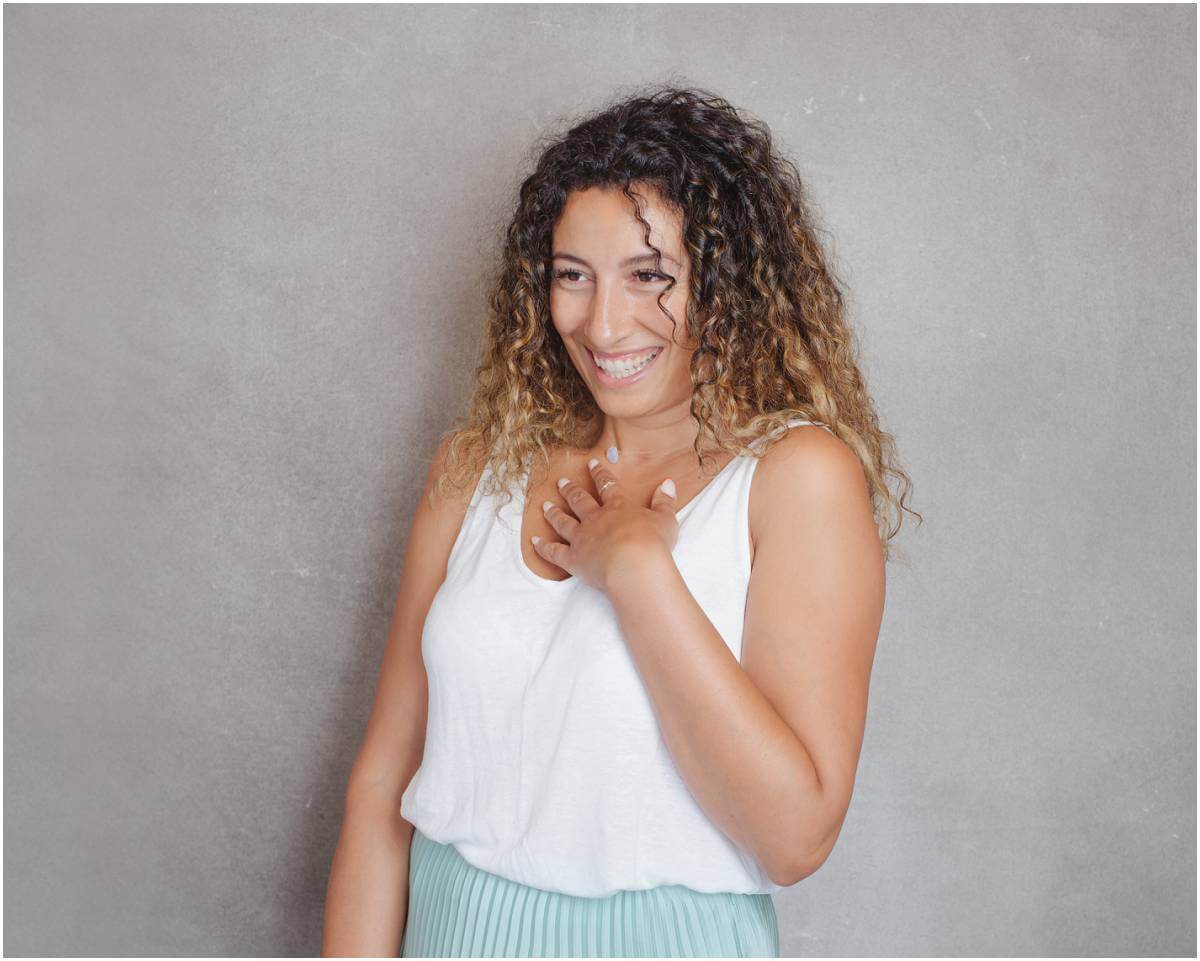
- Focus on Close-Ups:
- Why: Close-up shots emphasize your face, making you more recognizable and personable.
- Benefit: They help potential connections feel a stronger sense of familiarity and trust.
- Make Direct Eye Contact with a Twinkle:
- Why: Direct eye contact conveys confidence and approachability.
- Benefit: A slight sparkle in your eyes adds warmth and makes you seem more engaging and trustworthy.
- Don’t Discount Photos with Gestures:
- Why: Gestures can add dynamism and make your photos look more natural and animated.
- Benefit: They show your personality and make your profile stand out in a sea of static headshots.
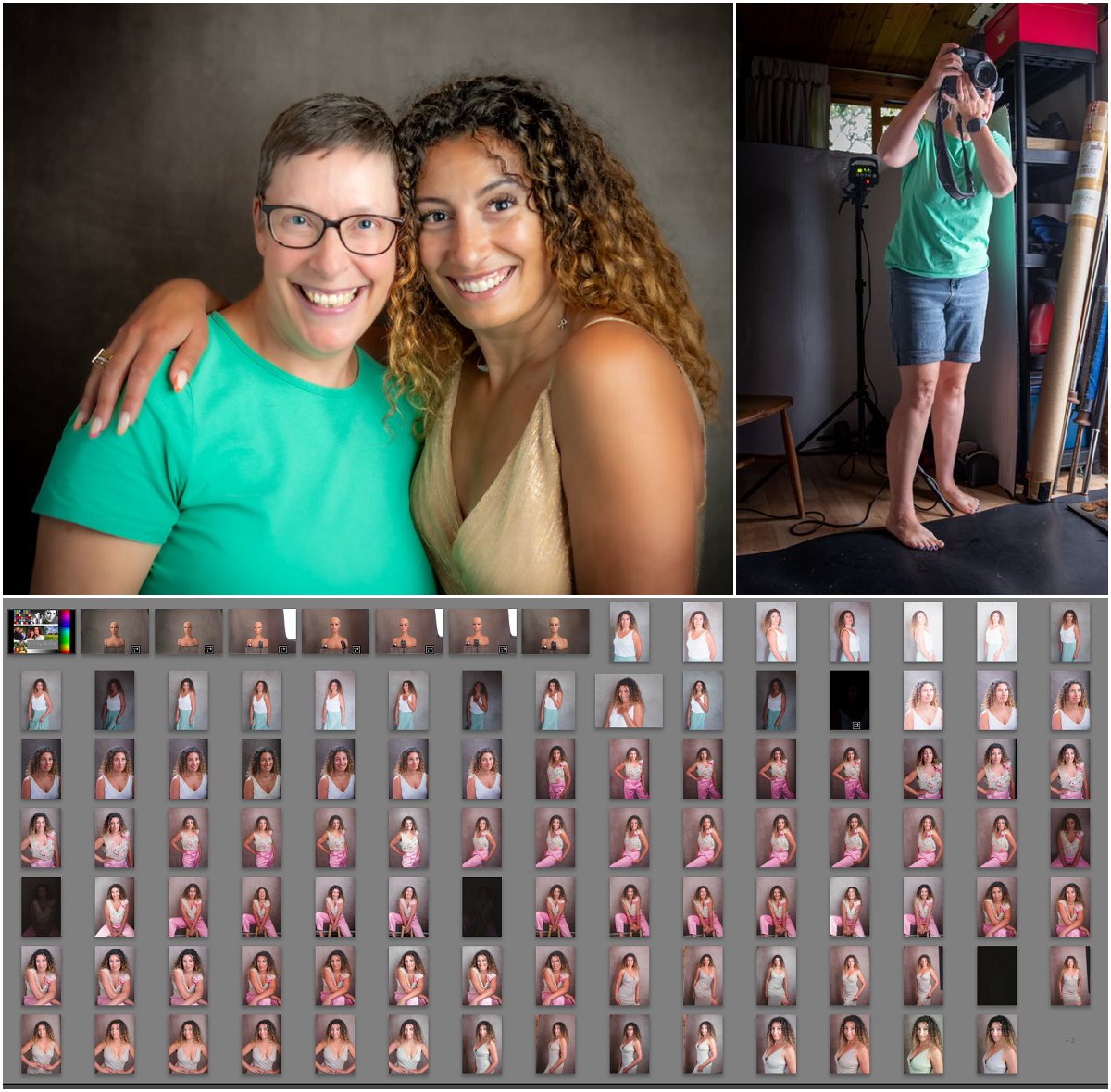
What to look out for: No matter what you do, don’t rush the selection process. It’s tempting to pick the first decent photo you see, but taking your time will ensure you choose the best possible image. A great LinkedIn photo can make a lasting impression and enhance your professional presence.
If you’re feeling unsure, remember that I’m here to help. Some clients like to pick their photos on the day of the shoot, while others prefer to load them onto their computer and take their time. Some share the images with family via the proofing gallery, and some love to pop into my kitchen and decide over a cup of tea.
The first time I helped a client choose her photos, she was overwhelmed by the options. We sat down with a cup of tea, and I guided her through the selection process. The result was a perfect LinkedIn headshot that truly represented her vibrant personality.
So, more than anything else, do what works best for you. Whether you prefer to make the decision on your own, share with family, or get my help, the goal is to select the photo that makes you shine.
By following these steps, you’ll have professional photos for LinkedIn that truly represent who you are. Ready to see the transformation? Let’s get started on making your LinkedIn profile shine!
Need help choosing your best photos? Book a session with me, and we’ll find the perfect image together.
BOOKING FOR LINKEDIN HEADSHOTS
Please contact Mandy at Mobile: +44 (0)7719316609
Seaview Home Studio at Phone: +44 (0)1983 617383
- Email: info@amandaherbert.com